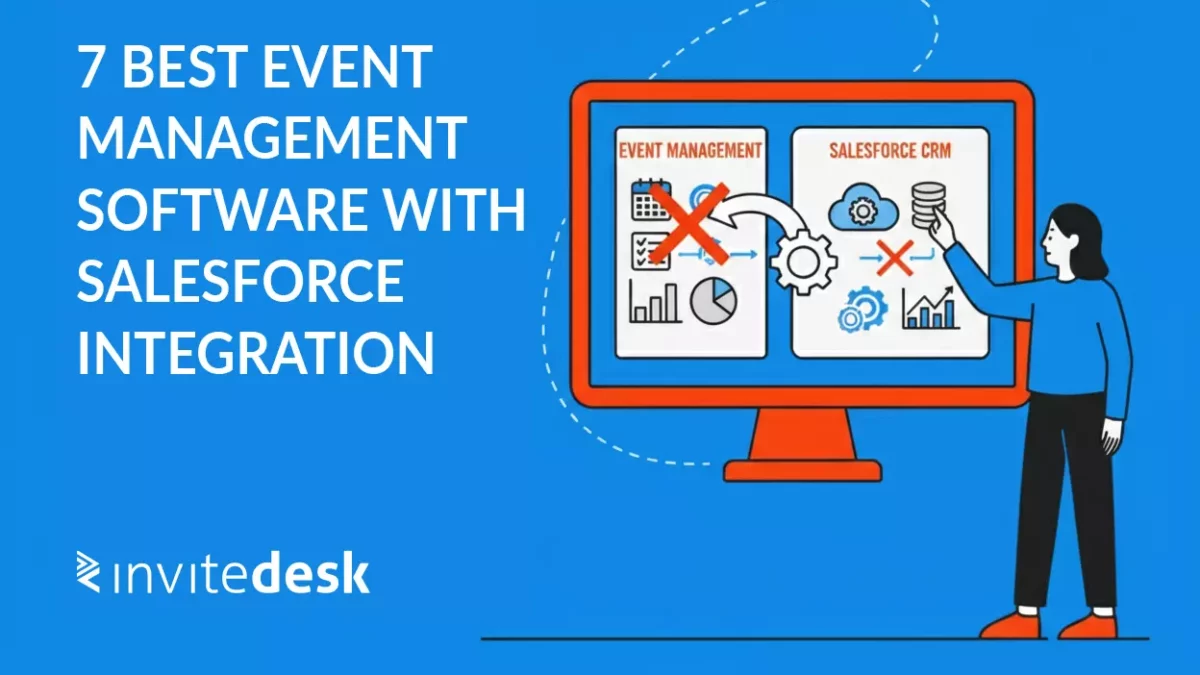
Managing events with Salesforce should not feel this hard.
If you are running events as part of your sales cycle, Salesforce is likely your CRM system. Contacts, accounts, campaigns, and opportunities all live there. That’s where sales teams expect to find answers.
Your event data usually does not.
After every webinar, customer dinner, or product launch, the same cycle repeats. Someone exports a registration list. Someone else cleans that list because people registered with a different email address. Duplicates appear. Attendance is updated days later. Sales teams are left wondering which key accounts actually attended, and no one can answer without digging through spreadsheets. Events have become a core B2B growth channel.Budgets are under pressure, leadership expects clear ROI, and sales teams want timely signals so they can follow up while intent is still high. When event data arrives late or incomplete into Salesforce, follow up slows down and attribution turns into guesswork.
The challenge is that “Salesforce integration” means very different things depending on the platform. Some tools run natively inside Salesforce. Others connect through APIs or third party connectors. Some require weeks of setup and IT involvement. Others can be live the same day. This article compares 7 event management platforms that integrate with Salesforce, focusing on what actually matters in practice: setup time, data flow, feature coverage, and total cost of ownership. Based on product testing, 200+ customer reviews (Capterra and G2), and conversations with teams actively using these platforms.
Tools covered in this comparison
- InviteDesk – suited for organisations needing a complete event management suite (invitations, registration, event app, check-in) with plug-and-play Salesforce integration that takes hours, not months.
- Blackthorn Events – Nonprofits and universities already deep in the Salesforce ecosystem who want everything managed inside their CRM.
- Fonteva events – Associations running large member conferences that need Salesforce-native event management with predictable licensing.
- SUMO Scheduler — Sales and marketing teams focused on webinars, courses, and appointment scheduling within Salesforce
- Cvent — Large enterprises managing complex multi-day conferences that need extensive customisation (requires API integration setup)
- Eventbrite — Small teams wanting simple public ticketing with basic Salesforce data sync through a connector
- RegFox — Organisations on tight budgets running occasional events, comfortable with Zapier for Salesforce connection
Short on time? Jump to the comparison table below to see integration types, key features, and pricing at a glance.
Book a demo to see if InviteDesk’s Salesforce integration meets your demands.
What to look for in Salesforce integration
When evaluating event management software with Salesforce integration, the technical approach matters less than the outcome. What counts is how fast you can get started, how reliably your event data syncs, what features you actually get, and how much operational overhead the integration creates.
Setup time and complexity: some platforms require developer resources, middleware, and weeks of configuration. Others connect like everyday SaaS tools: authenticate Salesforce, map fields, define rules, and start using the integration the same day. For teams running frequent events, long setup cycles quickly outweigh the value of the software.
Data synchronisation: event data should flow into Salesforce automatically, not through manual imports. Look for integrations that create or update Leads and Contacts consistently and keep contact data aligned between systems. One-way sync often leads to outdated records and cleanup work after every event.
Feature completeness: basic integration only solves part of the problem. Many teams also need invitations, on-site check-in, badge scanning, and engagement tracking. Using multiple tools usually means maintaining multiple integrations, which increase failure points and long-term maintenance.
Integration flexibility: Salesforce is rarely the only system in your stack. Marketing teams often work with tools like HubSpot or Marketo. An event platform should not lock your data into a single system. The right setup allows you to connect multiple tools without rebuilding your entire event process.
Control and customisation: Field mapping, object selection, and duplicate handling should be configurable without custom code. If small changes require development work, the integration becomes a bottleneck instead of a support layer.
True total cost: licensing is only part of the picture. Connector fees, middleware subscriptions, implementation time, and ongoing maintenance all add up. A lower subscription price does not always mean a lower total cost of ownership.
The best choice depends on your specific needs: event frequency, team size, technical resources, feature needs, and budget.
Quick comparison table
| Tool | Integration approach | Best for | Starting price | Key strength | Main limitation |
|---|---|---|---|---|---|
| InviteDesk | API connector | B2B teams running recurring events | Custom | Full event lifecycle with fast Salesforce setup | Not Salesforce native |
| Blackthorn Events | Native Salesforce app | Nonprofits and education | $4,800 per org per year | Everything lives inside Salesforce | Limited external integrations |
| Fonteva Events | Native Salesforce app | Associations with membership pricing | Custom | Deep membership and pricing logic | Heavy setup and enterprise pricing |
| SUMO Scheduler | Native Salesforce app | Scheduling and webinars | Around $10 per user per month | Strong appointment automation | Not built for large events |
| Cvent | External API integration | Enterprise conferences | Custom | Broad enterprise feature set | Long implementation and high cost |
| Eventbrite | AppExchange connector | Public ticketed events | $25 per month plus ticket fees | Very fast setup | Limited B2B workflows |
| RegFox | Zapier | Budget or occasional events | Per registration plus Zapier | Low entry cost | One way sync and Zapier dependency |
Tool overview
InviteDesk, a complete event management suite with Salesforce integration
InviteDesk is an event management platform built for B2B event teams that use events as part of their sales and marketing workflow. It covers the full event cycle from invitation and registration to post-event survey and integrates with Salesforce through a pre-built API connector that can be set up without custom development.
Rather than treating Salesforce as an afterthought, InviteDesk is designed to make CRM data usable before, during, and after the event.
InviteDesk Key Features
InviteDesk brings the entire event process together in one platform:
- Event invitation and registration
- Event websites
- Automated event communication
- Event App through LineUpr
- On-site event check-in and attendance tracking
- Post-event surveys
- Event data collecting and reporting
- CRM integrations through plug-and-play connectors and an open API
All attendee data is handled consistently across the platform, across all InviteDesk applications, and synced to Salesforce through a single integration layer.
This avoids the common setup where registration tools, event apps, and check-in solutions each push data differently into the CRM.
How the Salesforce integration works
InviteDesk connects to Salesforce via a plug-and-play connector. Setup follows a standard SaaS flow:
- Authenticate Salesforce
- Select the Salesforce objects to use
- Map fields between InviteDesk and Salesforce
- Define how and when data is created or updated
Once connected, the integration focuses on 3 concrete Salesforce outcomes.
Automatically create and update Leads and Contacts: every new attendee registering for an event can automatically generate a new lead or contact in Salesforce or update an existing record when a match is found.
This removes the need for manual imports and ensures that event participation is visible in the CRM as it happens.
Bidirectional contact data sync: InviteDesk synchronises contact data bidirectionally. When contact details are updated in Salesforce, those changes are reflected in InviteDesk.When attendee data is captured in InviteDesk, the corresponding Salesforce record is updated.
This keeps contact data aligned across systems without relying on CSV (Excel) exports or one-way automation.
Invite attendees using CRM managed contact list: teams can start inviting people to events using contact lists that already exist in Salesforce, or initiate invitations directly from within the CRM.
Marketing and sales teams work from the same contact data instead of maintaining separate event lists outside Salesforce.
Why InviteDesk delivers the complete package for Salesforce-integrated events
InviteDesk is built for B2B teams that need a full event management suite without compromising on Salesforce integration. It combines comprehensive event functionality with a plug-and-play Salesforce connector, so teams do not have to choose between feature depth and CRM connectivity.
What makes InviteDesk a strong fit for Salesforce users
- The complete event lifecycle in one platform:
- Invitations, registration, mobile event experiences, onsite check-in, and post-event reporting all live in one system.
- One shared attendee data model across all event workflows and apps
- No duplicate data entry or list reconciliation after events
- Consistent branding across invitations, event websites, and onsite experiences
- Fast setup with a plug-and-play Salesforce connector
- Install the connector, authenticate Salesforce, map fields, and define sync rules
- Live in hours rather than weeks or months
- No IT involvement or middleware required for standard setups
- Open API available for advanced or custom requirement
- Bidirectional contact data sync with full control
- Automatic creation or update of Leads and Contacts for event attendees
- Contact data stays aligned between InviteDesk and Salesforce
- Teams define the source of truth and field mappings
- Prevents overwriting CRM data or creating conflicting records
- Built for teams working across multiple systems
- Plug-and-play connectors for Salesforce, HubSpot, Marketo, and Microsoft Dynamics
- Supports broader marketing and CRM stacks without locking data into one system
InviteDesk is designed for teams running recurring B2B events that need reliable Salesforce data, fast execution, and a scalable event setup without operational overhead.
For organisations with less common platforms or specific workflow requirements, InviteDesk offers webhooks and an open API. This makes it possible to build custom integrations without being locked into a single vendor or data model.
As a result, teams can adapt their event stack over time, without having to replace their entire event management process.
Key Salesforce related capabilities
- Automatic creation or update of Leads and Contacts for event attendees
- Bidirectional sync of contact data
- Ability to invite attendees directly from contact lists in Salesforce
- Consistent data handling across all InviteDesk applications
- Field mapping and data control without custom code
Pros
- Designed for B2B event workflows tied to CRM usage
- Automatic Lead and Contact creation for attendees
- Bidirectional contact data synchronisation
- One integration across all InviteDesk applications
- Fast setup without long implementation projects
Cons
- Not embedded directly inside Salesforce
- Advanced custom automation may require API usage
Pricing
InviteDesk uses a modular pricing model based on event volume and feature requirements. For a single event, prices start at €1.200 or an annual contract starting from €211/month. Salesforce integration is optional starting from the Premium tier and is included in the annual subscription. Avoiding separate Connector or per sync fees.
Book a demo to see if InviteDesk’s Salesforce integration meets your demands.
| Pricing | Plus | Premium | Platinum |
|---|---|---|---|
| Single event | €1.200 | €1.500 | €2.280 |
| Yearly subscription Price example for 1 user and 10 events |
starting from €211/month | starting from €265/month | starting from €392/month |
Blackthorn Events
Blackthorn Events is a Salesforce native event management application built entirely on the Salesforce platform.
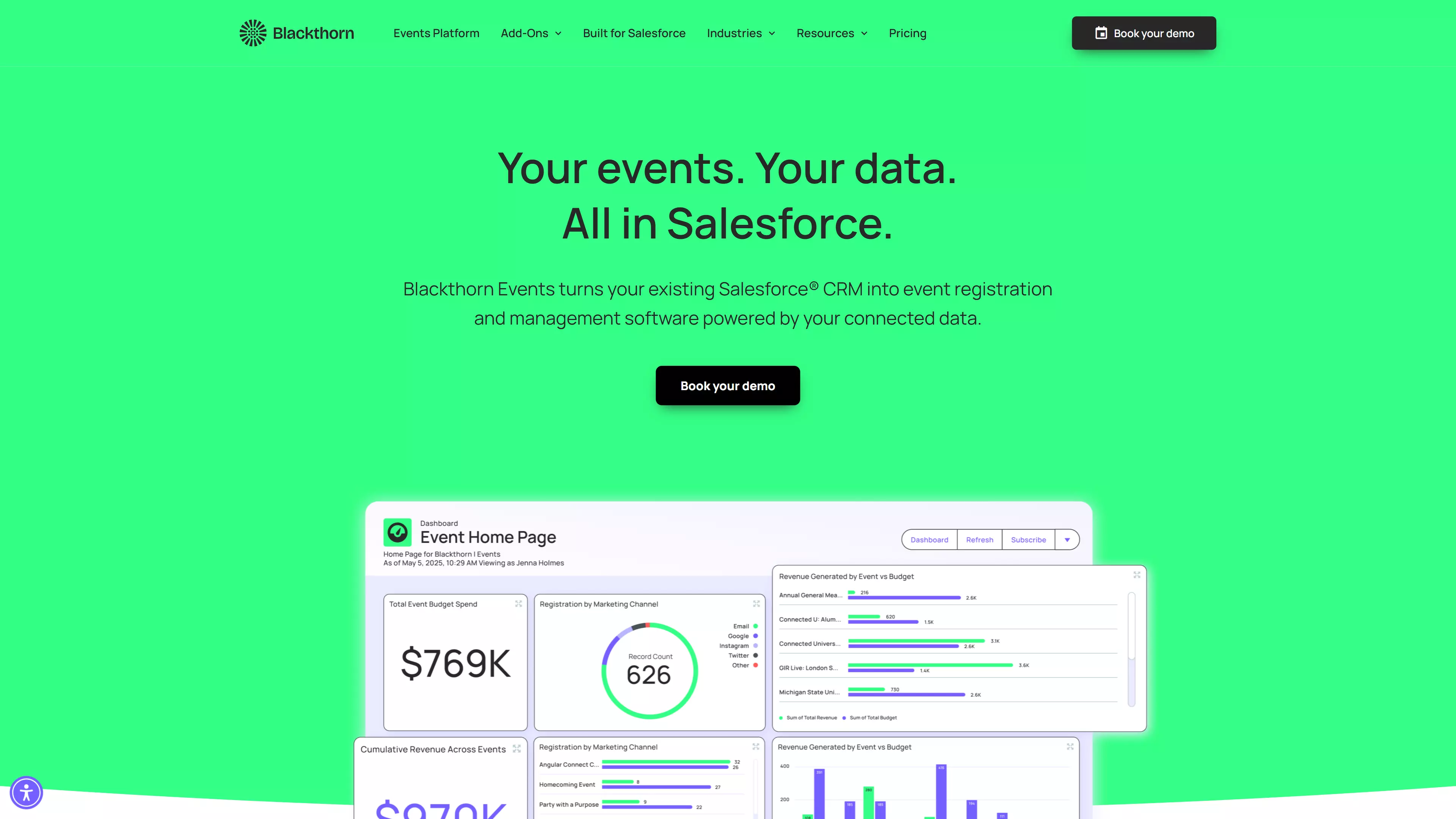
Best suited for: non-profits and education organisations that want everything inside Salesforce.
Strengths:
- All event data lives on Salesforce objects
- Strong duplicate handling and reporting
- Built-in payments
Limitations:
- Limited integrations outside Salesforce
- Higher entry price for smaller teams
Pricing
Starts at $4.800 per Salesforce organisation per year.
Fonteva Events
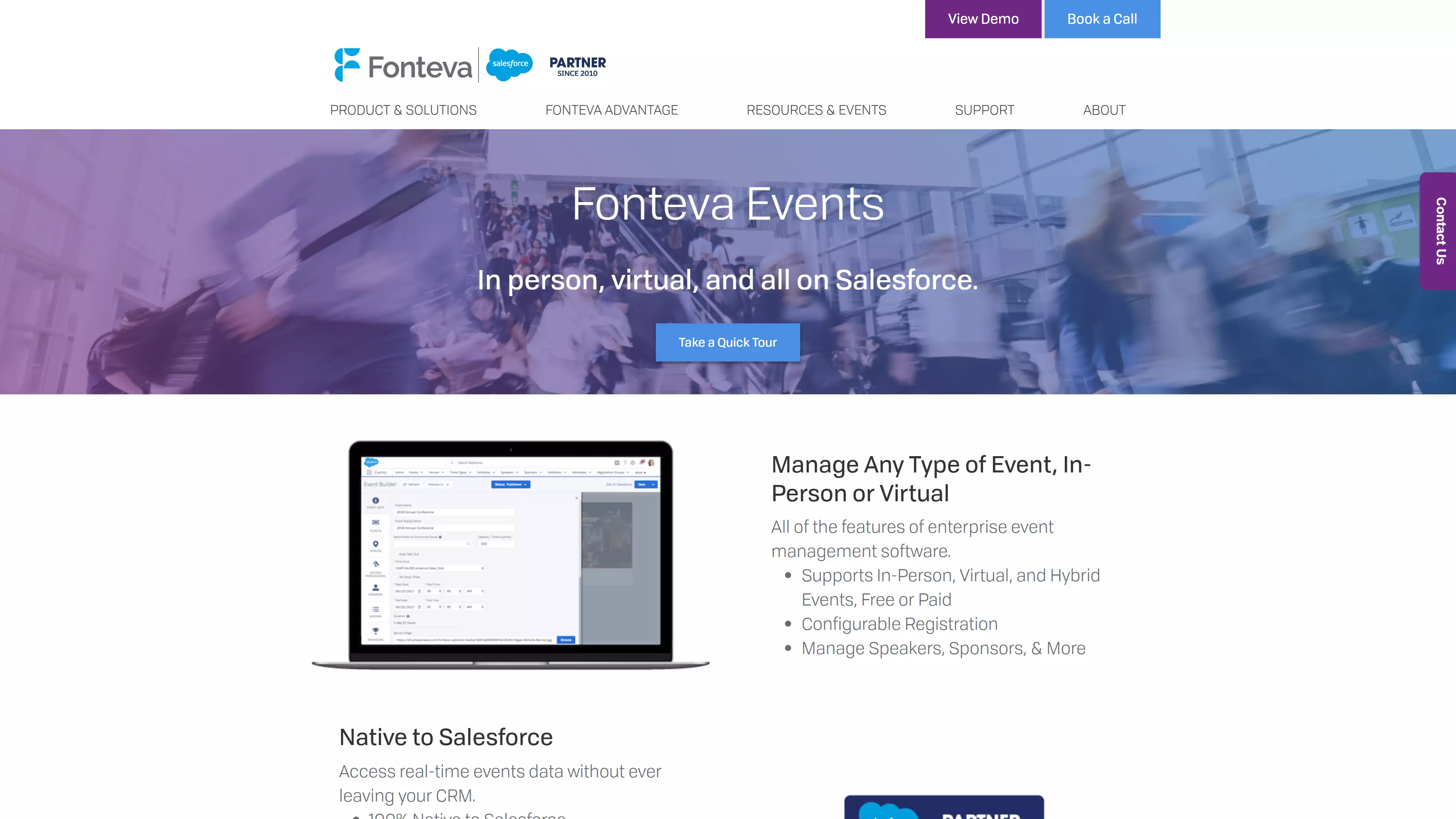
Best suited for: associations with complex member pricing and access rules.
Strengths
- Advanced membership and pricing logic
- Native Salesforce reporting
Limitations
- Heavy setup
- Enterprise-level pricing
Pricing
Custom annual licensing
SUMO Scheduler

Best suited for: Sales-driven scheduling and small group events
Strengths
- Simple setup
- Strong Salesforce scheduling workflows
Limitations
- Not designed for large or multiday events
Pricing
Around $10 per user per month with minimum purchase requirements.
Cvent

Best suited for: Global enterprises running conferences and large scal events
Strengths
- Broad enterprise feature set
- Advanced onsite and engagement tools
Limitations
- Long implementation cycles
- High total cost of ownership
Pricing
Custom enterprise pricing
Eventbrite
Eventbrite is a public ticketing platform that connects to Salesforce through a third-party AppExchange.
Best suited for public-facing events with ticket sales
Strengths
- Very fast setup
- Public event discover
Limitations
- Extra connector cost
- Limited depth for B2B workflows
Pricing
$25 per month for the connector, plus ticket and processing fees.
RegFox
RegFox is a budget registration tool that connects to Salesforce through Zapier.
Best suited for budget-constrained or occasional events
Strengths
- Low entry cost
- Quick deployment
Limitations
- One-way sync
- Dependency on Zapier
Pricing
Per registration fees plus Zapier subscription.
How to choose the right event management software for Salesforce
There is no one-size-fits-all event management platform for Salesforce. The right choice depends on:
- How frequently and how complex your events are
- Whether you need a full event suite or only registration
- The technical resources available to implement and maintain integrations
- How deeply Salesforce is embedded in your daily workflow
- The budget you can allocate, including the total cost of ownership
- Whether event data also needs to connect to other CRMs or marketing platforms beyond Salesforce.
Each tool presented has its own strengths and weaknesses.
- InviteDesk makes sense for teams running recurring B2B events that need a full event lifecycle in one platform, fast setup without heavy implementation, and the flexibility to connect Salesforce alongside other CRMs. It is well-suited for organisations running a mix of product launches and customer events where reliable CRM data flow is essential.
- Blackthorn, Fonteva, and SUMO Scheduler are a strong fit for teams that already operate almost entirely inside Salesforce and want event workflows to live there as well. They work best for organisations comfortable with AppExchange applications and Salesforce-centric administration.
- Cvent is designed for large enterprises running complex, high-volume conferences that require extensive configuration, advanced onsite capabilities, and dedicated resources to support longer implementation cycles.
- Eventbrite is appropriate for small teams running simple, public-facing ticketed events where speed of setup matters more than deep Salesforce workflows and basic CRM synchronisation is sufficient.
- RegFox fits organisations with tight budgets and infrequent events that are comfortable relying on Zapier for Salesforce connectivity and accepting one-way data synchronisation.
Conclusion
Event management platforms with Salesforce integration vary widely in both capability and approach. Some are built entirely inside Salesforce, others operate as standalone event platforms that connect through APIs or connectors. On the surface, many of these tools appear similar, but in practice, the differences show up quickly once events move from planning to execution and follow-up.
What matters most is not the technical architecture itself, but how well the platform supports your actual workflows. Fast setup reduces friction before your first event. Reliable data synchronisation ensures sales teams can act on event participation without waiting for manual imports. Feature depth matters only when it aligns with how you run events, and cost should be evaluated based on total ownership rather than license price alone.
Every approach comes with tradeoffs. Salesforce-native applications offer tight integration and keep everything in one system, which works well for organisations that already operate almost entirely inside Salesforce. At the same time, these tools can be more rigid and may lack broader event functionality. Feature-rich event platforms provide more flexibility and cover the full event lifecycle, but rely on well-designed API integrations to keep CRM data accurate and usable.
The right decision depends on your specific context. Consider how often you run events, how complex they are, and how closely they tie into sales follow-up. Factor in the technical resources available to your team and whether Salesforce is your only CRM or part of a wider stack. Choosing a platform that matches how your team already works will reduce friction and create more value over time.
If you are looking for a solution that combines a complete event lifecycle with fast, reliable Salesforce integration, InviteDesk offers a balanced approach. By bringing invitations, registration, onsite experiences, and CRM connectivity together in one platform, it helps teams run events without sacrificing data quality or operational efficiency.
FAQs
How do event management platforms integrate with Salesforce
Event management platforms typically integrate with Salesforce in three ways: as native Salesforce apps, through direct API connectors, or via third-party automation tools such as middleware or Zapier. Native apps run entirely inside Salesforce, while API-integrated platforms sync data between systems. The right approach depends on how much functionality you want outside Salesforce and how tightly events need to be embedded in CRM workflows.
What is the difference between native Salesforce apps and API-integrated platforms?
Native Salesforce apps live fully inside Salesforce and use Salesforce objects, permissions, and reporting by default. API-integrated platforms operate externally but push and pull data from Salesforce through defined sync rules. Native apps suit teams that want everything in one place, while API-based platforms often offer broader event functionality and faster setup.
How long does it take to set up Salesforce integration?
Setup time varies widely by platform. Plug-and-play API connectors can often be configured in a few hours by authenticating Salesforce, mapping fields, and defining sync rules. Native Salesforce apps or heavily customised integrations may take days or weeks, especially if custom objects, complex logic, or external consultants are involved.
Can I sync event data with both Salesforce and other CRMs?
Some event platforms support syncing data with multiple CRMs or marketing platforms at the same time, while others are limited to Salesforce only. This matters for teams using tools like HubSpot, Marketo, or Microsoft Dynamics alongside Salesforce, or for organisations planning a future CRM migration. Platforms with multiple connectors or open APIs provide more long-term flexibility.
What event data typically syncs to Salesforce?
Most integrations focus on creating or updating Leads and Contacts for event attendees and linking them to the appropriate Salesforce records. Contact data updates and attendance-related information are commonly synced, while more granular data such as RSVPs or in-event interactions may not always be included. The exact data set depends on how the integration is designed and how Salesforce is used operationally.
How much does Salesforce event management software cost?
Pricing varies significantly based on the platform and integration model. Costs can include the event software license, Salesforce connector fees, middleware subscriptions, and implementation effort. While some tools appear affordable upfront, total cost of ownership should include setup time, maintenance, and any ongoing manual work required to keep data clean.
Do I need a developer to set up the integration?
In many cases, no. Plug-and-play connectors and native apps are designed to be configured by Salesforce admins or marketing teams without code. A developer is usually only required for advanced customisation, custom workflows, or integrations with less common systems beyond standard CRM use cases.